Cómo probar un proveedor IPTV durante una prueba gratis (lo que de verdad importa)
Cómo probar un proveedor IPTV durante una prueba gratis
Una prueba gratis solo es útil si pruebas las cosas correctas. Muchos usuarios comprueban un canal durante dos minutos, luego contratan un plan largo y se arrepienten.
1. Prueba en tu horario real de visualización
No pruebes solo por la mañana. Comprueba el servicio cuando normalmente ves la televisión, especialmente durante deportes en directo o en las horas de mayor audiencia por la tarde-noche.
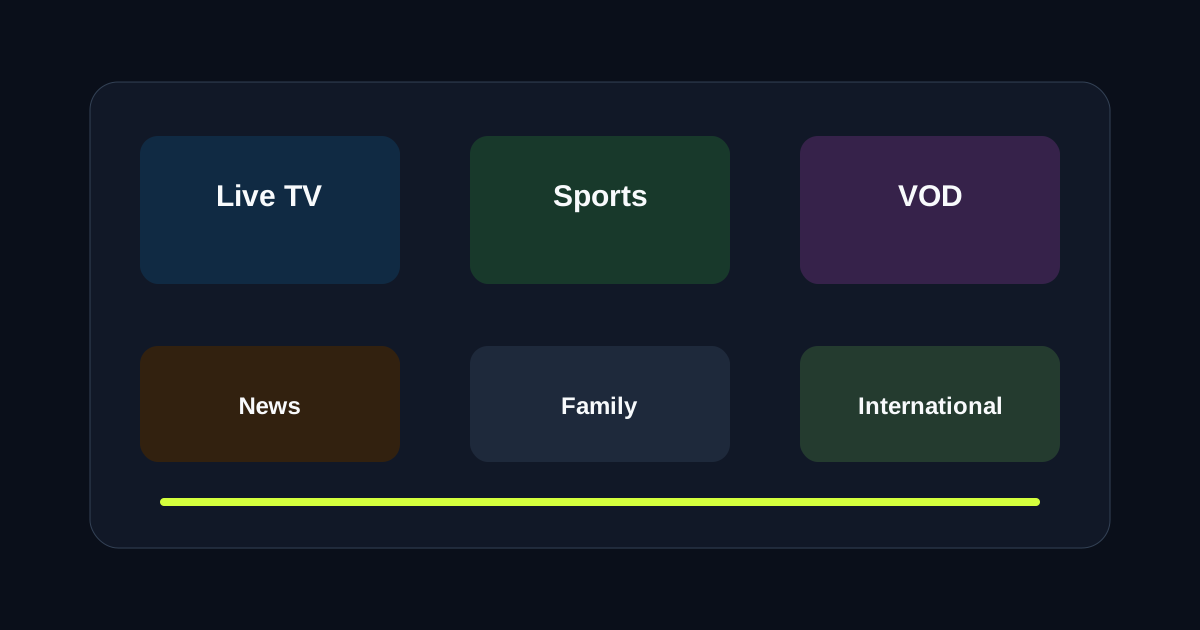
2. Prueba varias categorías
Un proveedor puede ser muy bueno en una categoría y flojo en otra.
- Canales locales
- Canales de deportes
- Canales internacionales
- Películas y series de VOD
3. Prueba en tu dispositivo real
Un stream que funciona bien en el móvil puede comportarse de forma diferente en una caja de TV más antigua.
Prueba la app y el dispositivo que usarás en el día a día.
4. Comprueba la velocidad de cambio de canal
La estabilidad importa, pero el cambio rápido de canal también es esencial para deportes y zapping en directo.
5. Contacta con el soporte una vez
Aunque no necesites ayuda, envía una pregunta de configuración y observa con qué rapidez responden.
6. Revisa la organización de EPG y VOD
Un catálogo enorme no sirve de nada si no puedes navegar por él con rapidez.
Busca categorías claras, búsqueda funcional y una interfaz usable en tu app.
Checklist de evaluación de la prueba
- Calidad del stream en horas punta
- Compatibilidad de la app con tu dispositivo
- Fiabilidad de deportes y eventos en directo
- Experiencia de navegación por VOD
- Tiempo de respuesta del soporte
Solicita tu prueba gratis y evalúa LumIPTV con esta checklist.
¿Buffering, cortes o mala calidad de canales?
Prueba LumIPTV gratis 24h — sin tarjeta. Evalúa categorías en vivo, VOD y configuración antes de pagar. Garantía de devolución de 3 días si te suscribes.