Test before you pay
The free trial is designed to validate your real device, app, internet connection, and priority categories before you choose a paid plan.
Proof & process
This page explains what we verify before activation, what customers should test during a trial, how payment and refunds work, and which claims we deliberately avoid until they have public evidence.
Last updated: June 19, 2026
The free trial is designed to validate your real device, app, internet connection, and priority categories before you choose a paid plan.
Live categories, event feeds, stream quality, and VOD availability can vary by source, region, event, device, and connection. We ask customers to test what matters most.
We do not publish aggregate ratings, review stars, or Trustpilot-style claims unless they come from a real public review source.
For support and quality control, each request keeps operational context that helps us diagnose what works and what needs follow-up.
Customer tests sports and family categories during the same evening window they normally watch.
Support recommends Ethernet if Wi-Fi jitter appears during the trial.Customer confirms app availability, MAC/device code flow, EPG loading, and remote-control navigation before paying.
If the TV app is unavailable by region, support recommends Firestick or Android TV as a fallback.Customer validates Xtream login, mobile data usage, AirPlay needs, and Wi-Fi performance.
Support confirms whether mobile viewing or home TV viewing should be the primary setup.These slots separate pending real-capture evidence from reviewed methodology assets. The checklist assets are original internal review material; they do not claim customer outcomes, channel availability, or playback rights.
Replace this slot with a Firestick 4K setup video or screenshot set showing app choice, blurred login format, EPG/settings screen, and local network check.
No copyrighted playback, credentials, MAC addresses, or customer data should appear.
Replace this slot with Samsung or LG TV evidence showing app-store availability, M3U or Xtream compatibility, remote navigation, and any fallback-device recommendation.
Use model, app version, test date, and region only when safe to publish.
Replace this slot with a redacted support workflow capture showing the device, app, connection type, VPN status, affected category, and next troubleshooting step.
Hide names, handles, ticket IDs, payment details, credentials, and private messages.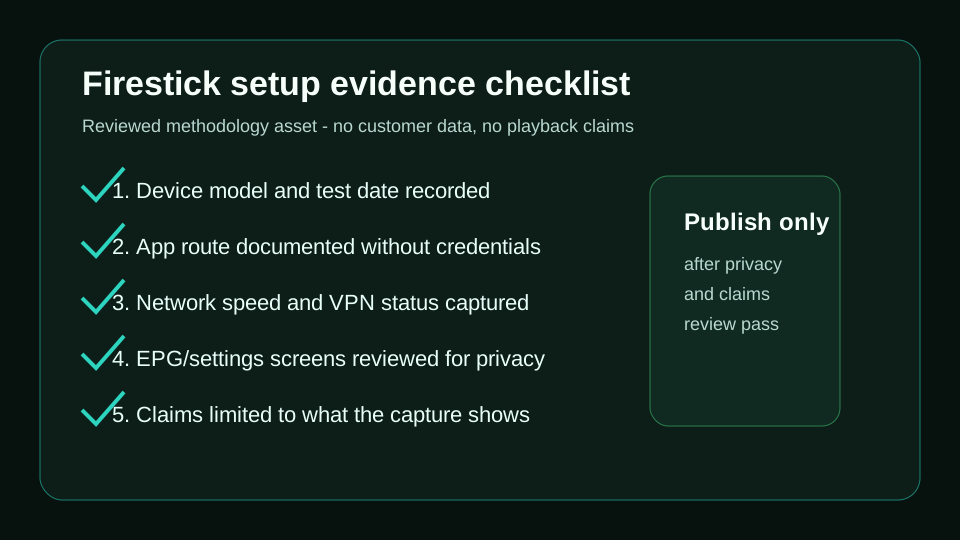
Original checklist for documenting a Firestick setup with device model, app route, network context, and safe redactions.
This proves the review method, not any universal setup speed or content availability claim.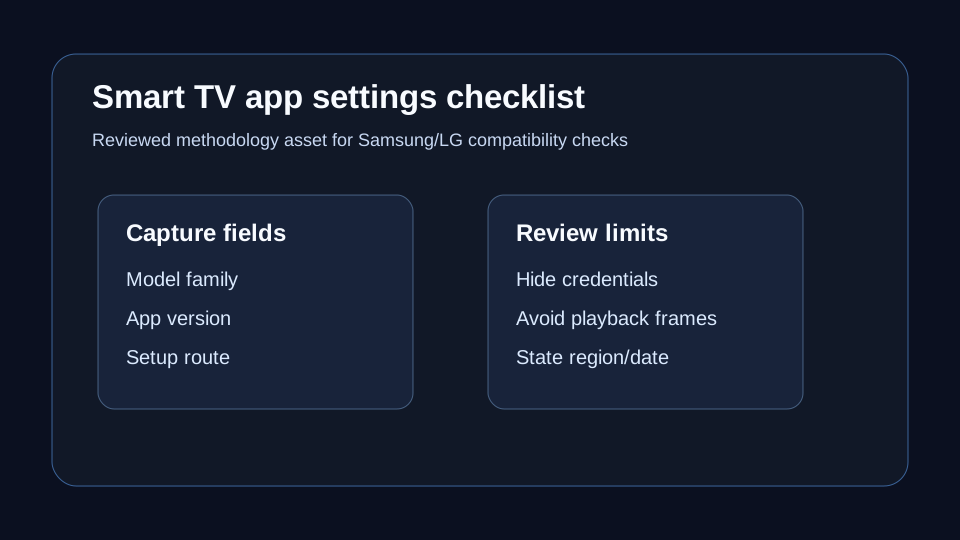
Original checklist for recording Smart TV model, app version, setup route, and fallback device notes.
Use it to support compatibility guidance without overstating app-store availability.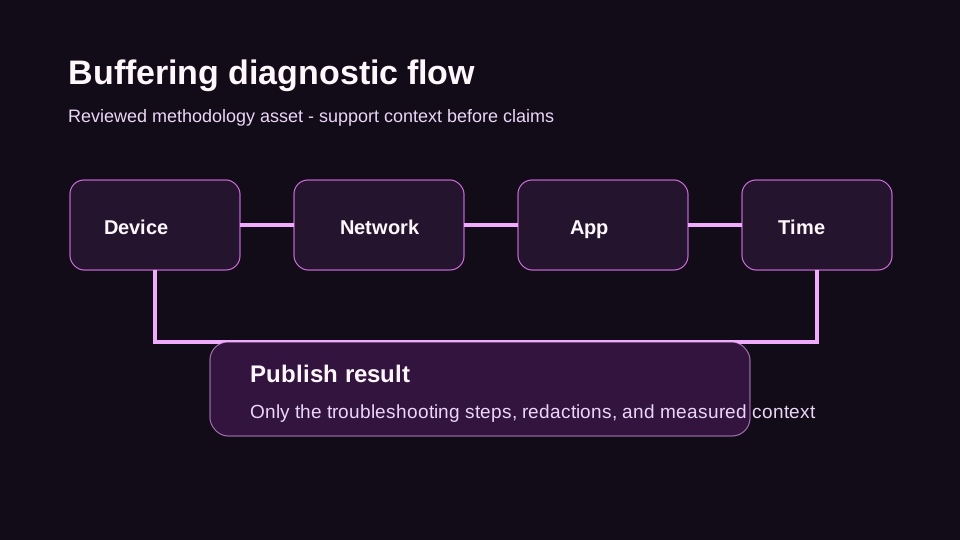
Original diagnostic map for collecting device, network, app, and timing context before support makes a claim.
This keeps troubleshooting advice grounded in measured context.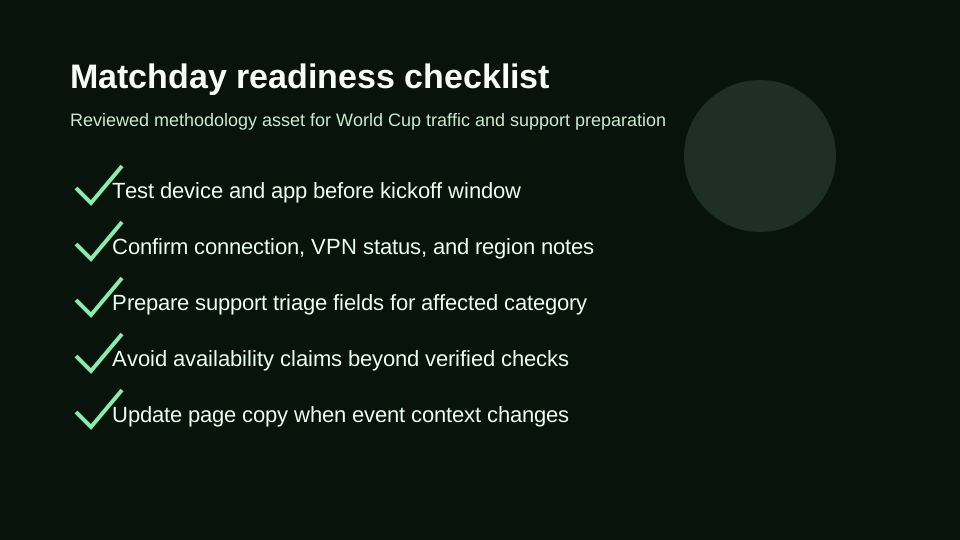
Original World Cup matchday checklist for device testing, connection notes, support routing, and freshness review.
It helps keep event pages current without promising specific broadcast access.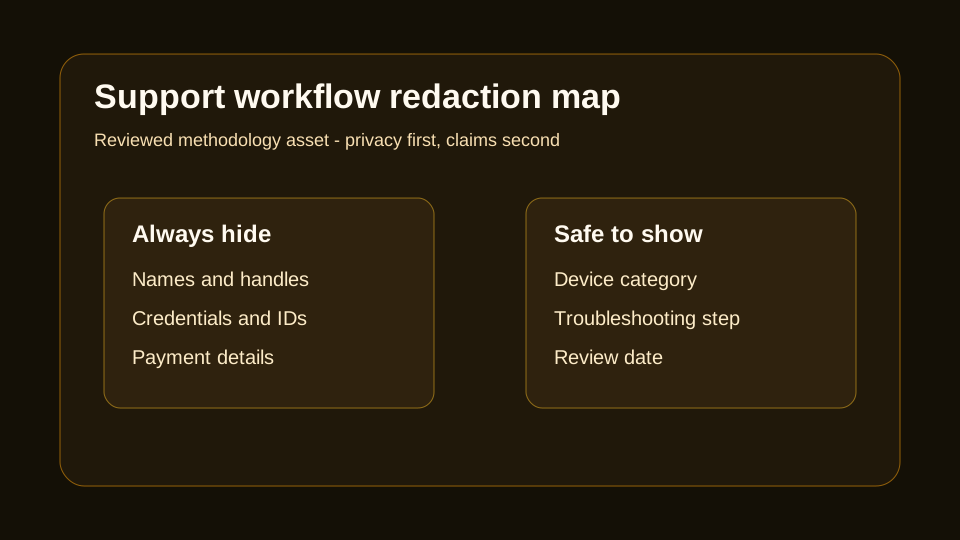
Original privacy map showing what must be hidden and what can be safely shown in support workflow evidence.
Names, handles, credentials, tickets, and payment details stay private.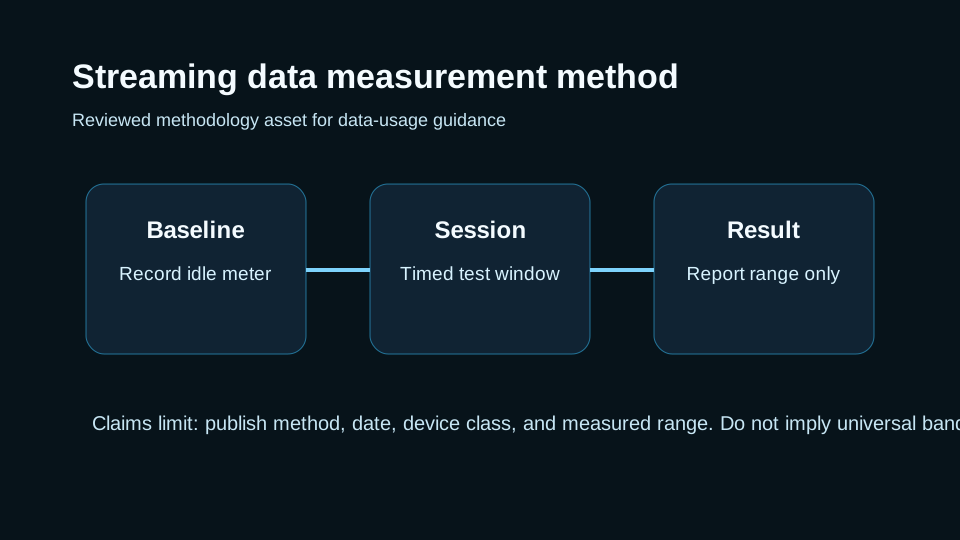
Original method for measuring streaming data usage with a baseline, timed session, and range-based reporting.
It supports data-usage guidance without implying bandwidth guarantees.Every SEO improvement should be judged by real business outcomes, not just traffic. The lead pipeline now stores source-page and attribution context so Search Console, analytics, trial requests, order requests, and paid-customer outcomes can be reviewed by page and locale.
Start with a trial, test your exact device and priority categories, then order only after the setup makes sense.