How to Watch FIFA World Cup 2026 on IPTV: Complete Guide
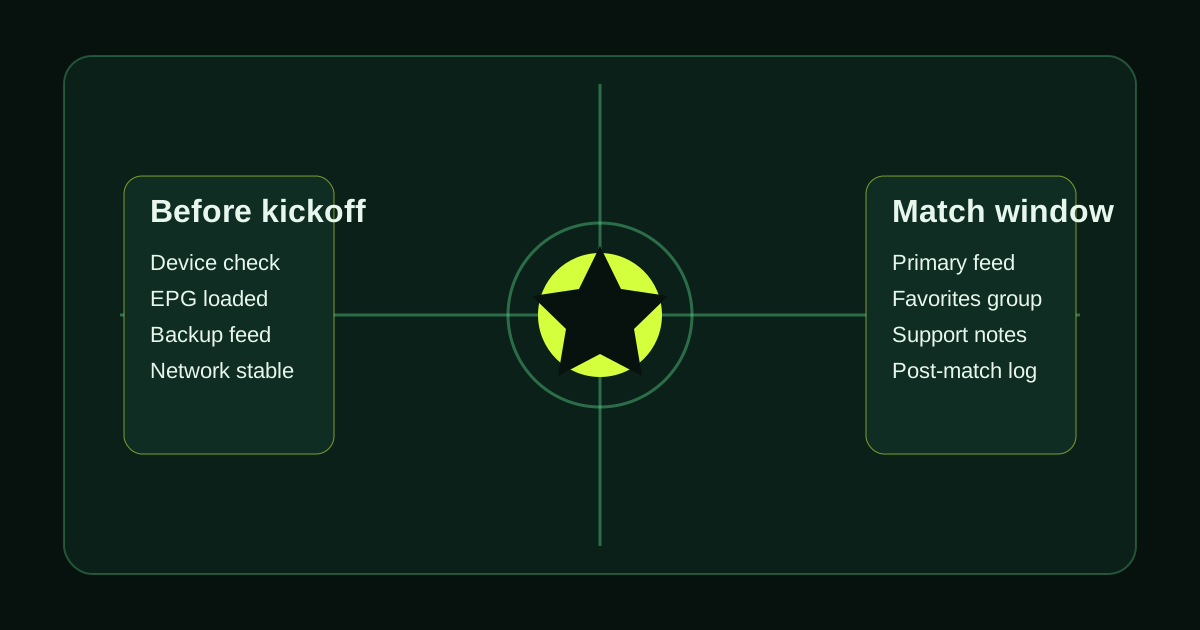
The FIFA World Cup 2026 is now underway. It is the biggest sporting event of the decade — 48 teams, 104 matches across the United States, Canada, and Mexico, with the final on July 19 at MetLife Stadium in New Jersey. For IPTV subscribers, the priority is now practical: find the right broadcast feeds, verify match-day stability, and keep your main device ready before each kickoff.
Updated June 19, 2026: this guide covers which channels broadcast the World Cup, how to set up your device, which apps to use, and how to make sure your stream does not buffer during a penalty shootout.
Where Is World Cup 2026 Right Now?
The group stage opened on June 11, 2026 and is active now. With 48 teams and a new 12-group format, there are multiple matches on many days throughout the group phase. Knockout rounds run from July 4 through the final on July 19.
This means you will be watching live football almost every day for six weeks. Your IPTV setup needs to be reliable for that duration — not just occasionally.
Which Channels Broadcast World Cup 2026 on IPTV?
World Cup 2026 broadcast rights are split across regions. On IPTV, the practical goal is to test the broadcaster categories and language feeds that matter to your household:
United Kingdom
- ITV1 / ITV4 — free-to-air broadcaster with rights to selected matches
- BBC One / BBC Two — co-broadcasting rights for major matches and the final
- Both broadcasters air the semi-finals and the final on free-to-air UK television
United States
- Fox Sports 1 — primary English-language broadcaster for USA
- FS1 / FS2 — additional match coverage
- Telemundo / NBC Universo — Spanish-language coverage
France
- TF1 — France matches and major knockout rounds
- M6 — additional coverage
- beIN Sports — extensive tournament coverage in licensed markets
Germany
- ARD (Das Erste) — public broadcaster with major match rights
- ZDF — co-broadcaster for knockout stages
- MagentaTV — broad tournament coverage in Germany
Spain
- TVE 1 — public broadcaster, selected matches
- Teledeporte — additional matches
- RTVE Play — live streaming via the RTVE network where rights apply
Italy
- RAI Uno / RAI Due — public broadcaster, including Italy matches
- Sky Sport — tournament coverage in licensed Italian packages
On a quality IPTV service, the useful test is whether the broadcaster categories you care about are easy to find and stable on your own setup. The BBC, ITV, and Fox Sports feeds are particularly popular because of commentary quality and reliability. For a country-by-country breakdown of major broadcasters, including Arabic, Latin American, and Asian markets, see the World Cup 2026 channels guide.
Setting Up IPTV for the World Cup in 5 Steps
Step 1: Get your IPTV credentials From your provider, collect your: server URL (portal), username, and password — or an M3U playlist URL.
Step 2: Choose your player app
- TiviMate — best for live TV navigation and EPG accuracy. Ideal for jumping between simultaneous matches.
- IPTV Smarters Pro — reliable all-rounder for live TV plus VOD.
- IboPlayer — strong performer on Samsung and LG Smart TVs.
Step 3: Connect via Ethernet For live sport, always use a wired connection if possible. Wi-Fi works, but Ethernet eliminates the wireless interference that causes random drops during key moments.
Step 4: Verify your EPG is accurate In your IPTV app settings, confirm that match times are showing in your local timezone. An incorrect timezone means you could miss a kickoff.
Step 5: Test before today's match Run a 30-minute live stream test on a current sports channel during evening hours or before kickoff. If it is stable during a peak window, you have a better basis for trusting the setup during the next match.
How Much Internet Speed Do You Need?
| Stream quality | Minimum speed | Recommended speed | |---|---|---| | HD 1080p | 10 Mbps | 15 Mbps | | 4K UHD | 25 Mbps | 40 Mbps | | Multiple screens | 25 Mbps | 50+ Mbps |
For households where multiple people watch different matches simultaneously, a 100 Mbps connection and a router with QoS (Quality of Service) settings will prevent one stream from starving another.
Which Devices Work Best?
Firestick 4K Max — best value, widest app support, most popular for IPTV. Apple TV 4K — smoothest performance for Apple household. NVIDIA Shield TV — best for Android users who want the highest possible performance. Samsung / LG Smart TV — IboPlayer or IPTV Smarters built-in via the TV app store.
Avoid streaming the World Cup on a laptop browser or mobile phone as your primary screen. Use a proper streaming device connected to your main TV for the best experience. For a detailed ranking of every option with price and performance notes, see our guide to the best devices for watching World Cup 2026 on IPTV.
What Happens During Simultaneous Matches?
The group stage of World Cup 2026 has three matches per slot on many days. TiviMate handles this particularly well with multi-screen PiP (picture-in-picture) and the ability to quickly switch channels within a favourites group.
Set up a "World Cup" favourites group in your IPTV app now. Pin your main match channels plus backup feeds so you can jump between live games in under 2 seconds.
The One Thing That Will Ruin Your World Cup
Buffering during a penalty shootout.
The best prevention: run a free trial before the next match you care about. Test the channels you plan to use. Stream live for at least an hour during a busy evening. If it is stable now, you can watch the big moments with much more confidence. Our complete World Cup anti-buffering guide covers every prevention layer from provider infrastructure to app buffer settings.
Start a free IPTV trial and test your setup before the next match.
Tired of buffering, dropouts, or poor channel quality?
Try LumIPTV on your own device first. Free 24h trial, no credit card, and 3-day money-back support if you subscribe.