FIFA World Cup 2026 Full Schedule: How to Stream Every Match on IPTV
The 2026 FIFA World Cup is the largest in history: 48 teams, 104 matches, 16 venues across three countries, 39 days of football running from June 11 to July 19. For an IPTV subscriber, the practical goal is broad live coverage across the broadcaster feeds and languages that matter most to your household.
This guide covers the tournament structure, how kick-off times translate across time zones, and how to use your IPTV app for the fixtures and broadcaster categories you care about, including simultaneous group stage matches that require smart channel management.
Tournament Structure
Group stage: 12 groups of 4 teams. Each team plays 3 matches. 48 total group stage matches. The top 2 from each group plus 8 best third-placed teams advance. This means 32 teams go through.
Round of 32: 32 matches. Single-elimination. Round of 16: 16 matches. Quarter-finals: 8 matches. Semi-finals: 2 matches (July 14 and 15). Third-place match: July 18. Final: July 19, MetLife Stadium, East Rutherford, New Jersey.
Total matches: 104. That is 72 more than a traditional 32-team World Cup.
Key Dates
| Round | Dates | |---|---| | Group Stage | June 11 – July 1 | | Round of 32 | July 4 – July 7 | | Round of 16 | July 9 – July 11 | | Quarter-finals | July 13 – July 14 | | Semi-finals | July 15 and July 17 | | Third-place play-off | July 18 | | Final | July 19 |
Kick-off Times and Time Zones
Matches are played across three host countries spanning four time zones. On IPTV, the EPG (Electronic Programme Guide) should display kick-off times in your local timezone — but it is worth verifying this before the next match window.
Typical kick-off times (local US Eastern Time):
- 12:00 ET (17:00 BST / 18:00 CEST)
- 15:00 ET (20:00 BST / 21:00 CEST)
- 18:00 ET (23:00 BST / 00:00 CEST next day)
For UK and European viewers, the 18:00 ET slot is a late-night match. The 12:00 ET group games are ideal for afternoon viewing in Europe.
Check your EPG timezone in TiviMate: Settings → General → Timezone. Set it to your local timezone. An incorrect EPG timezone is the most common cause of "why did the match start an hour ago?"
The Simultaneous Match Problem
In the group stage, matches from the same group often kick off simultaneously (to prevent collusion). With 12 groups and 3 match days per group, you will frequently have 2–3 matches starting at the same time.
How to handle this on IPTV:
Option 1: Favourites group with all World Cup channels Create a "WC 2026" favourites list in TiviMate containing the broadcaster categories you plan to use, such as BBC, ITV, Fox Sports, beIN Sports, MagentaTV, TF1, and ARD where available. When simultaneous matches are on, you can cycle through saved channels quickly. The World Cup 2026 channels guide lists major broadcasters by region to help you search in your IPTV app.
Option 2: TiviMate multi-screen TiviMate Premium supports a split-screen picture-in-picture mode. You can watch match 1 full-screen and see match 2 in a corner overlay. This is particularly useful when both group-closing games are live and a result change on one affects the other team's qualification.
Option 3: Second device For households with two screens, stream simultaneous matches on separate devices. A Firestick on the main TV and a tablet or laptop using another IPTV connection. Most IPTV providers allow 2–4 simultaneous connections per subscription.
Navigating the IPTV App During the Tournament
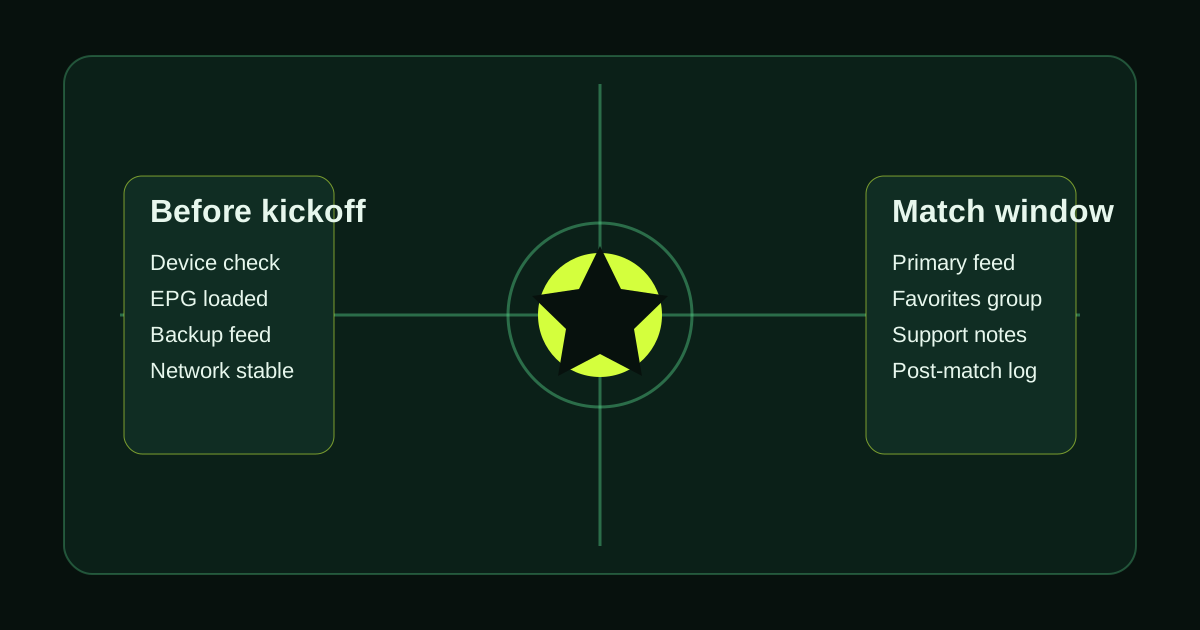
Before today's match: 1. Confirm your EPG is loading and showing correct times 2. Create a "World Cup" channel favourites group with the broadcaster categories you plan to test 3. Identify which channels carry your nation's matches (BBC for UK, Fox for US, TF1 for France, ARD for Germany, etc.) 4. Test a 4K channel if your device supports it and the source is available
During the group stage (June 11 – July 1): Multiple matches per day. Use the EPG guide view to see which channels have upcoming matches. Filter by time to see today's schedule. TiviMate's "now and next" view is particularly useful for planning your viewing day.
During the knockout rounds (July 4 onward): Single-elimination, high stakes. Channel switching will be minimal — one match at a time takes your full attention. Focus shifts to stream reliability over navigation speed.
On semi-final and final days: These are high-traffic moments for IPTV infrastructure. Even a provider with strong capacity can be affected by source, device, app, or local network issues, so start your stream early to confirm stability before kick-off. Follow the World Cup anti-buffering checklist on those days to remove the most common failure points.
The 10 Matches You Cannot Miss
1. Next home-country fixture — confirm broadcaster category and backup feed before kickoff 2. USA group-stage fixtures — high demand in North American evening windows 3. England group-stage fixtures — high demand across UK and expat audiences 4. Brazil or Argentina fixtures — high demand across LATAM and international feeds 5. Group stage final rounds — July 1, simultaneous final group matches 6. Quarter-finals — July 13–14 7. England/France/Germany semi-final contenders — July 15 or 17 if they qualify 8. The other semi-final — July 15 or 17 9. Third-place play-off — July 18 10. The Final — MetLife Stadium, July 19
With IPTV, you can test multiple commentary languages, broadcaster styles, and scheduling options in one app. Exact match and feed availability can vary, so validate your priority fixtures during the trial window.
Set up your IPTV subscription before the next match — the tournament is already underway.
Tired of buffering, dropouts, or poor channel quality?
Try LumIPTV on your own device first. Free 24h trial, no credit card, and 3-day money-back support if you subscribe.